


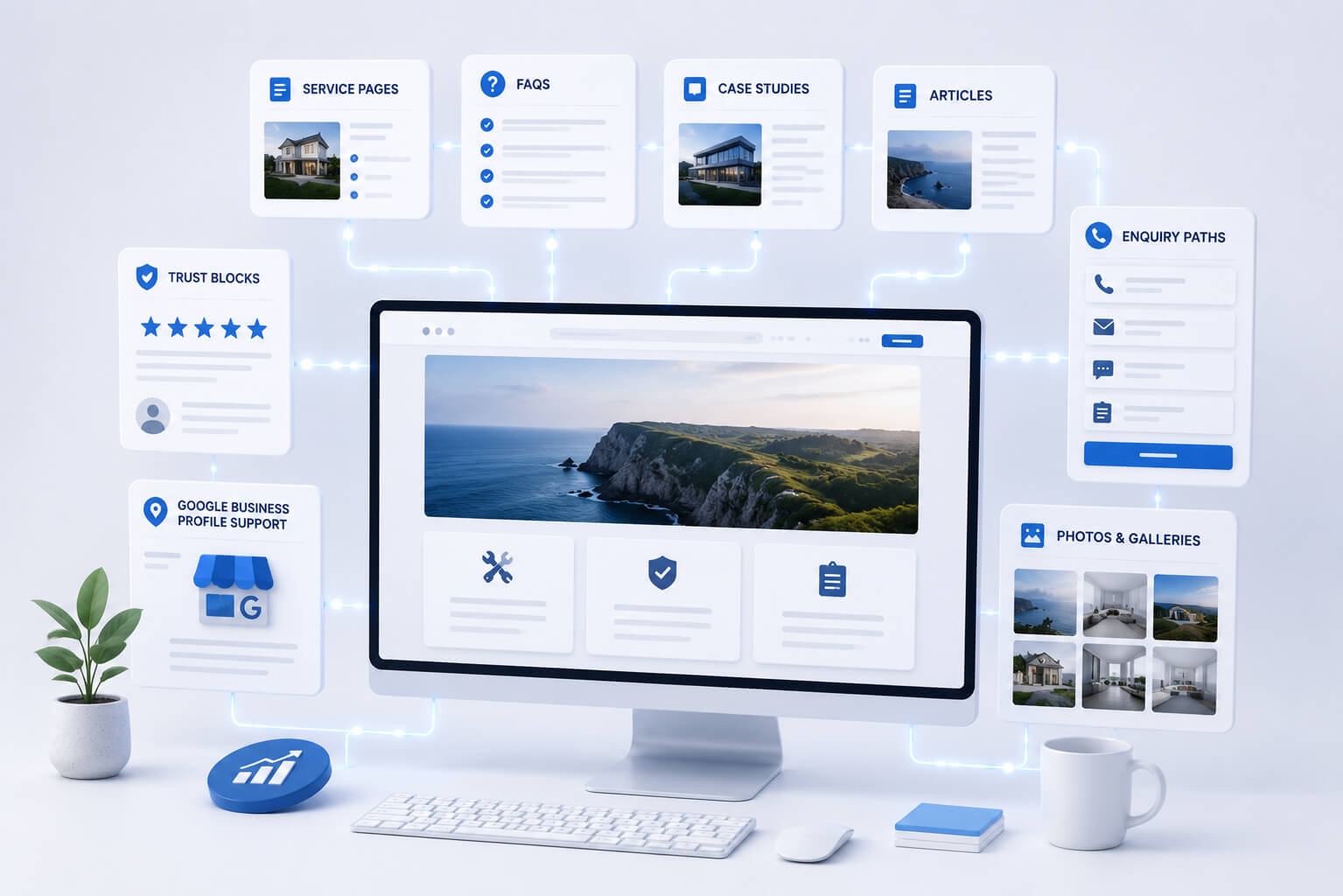
Launching a website is only the start.
The first version should give your business a clear base. It should explain what you do, where you work and how people can contact you.
But after launch, the website should keep improving.
That does not mean changing everything every week. It means adding useful pages, answers, examples and trust signals over time.
A small business website should become more useful as the business grows.
Why a website should not stay frozen
Many small businesses launch a website and then leave it untouched.
That is a mistake.
Your business changes. Customers ask new questions. Services develop. New work is completed. Google needs clearer information. People need more proof before they enquire.
A website that stays frozen can slowly become weaker.
A website that grows becomes more useful.
Useful page: Website Growth Support Ireland
Add FAQs from real customer questions
FAQ means frequently asked questions.
It is one of the easiest things to improve after launch.
Every time customers ask the same question, that question may belong on the website.
Good FAQ topics
Add answers about:
- price
- service area
- booking
- quote process
- timelines
- what information is needed
- what happens after enquiry
- payment
- preparation
- guarantees
FAQs help people make decisions faster.
They also reduce repeated calls and messages.
Useful page: Website Build FAQ Ireland
Add service pages when the business grows
A website should show your services clearly.
If your business adds a new service, the website should reflect that.
Do not hide new services inside one short sentence on the homepage.
A service page should explain
- what the service is
- who it is for
- what problem it solves
- where it is available
- what is included
- how to enquire
Service pages are important because they are close to enquiries.
They help visitors understand what you offer.
They also give Google clearer information about your business.
Useful page: Websites for Local Service Businesses in Ireland
Add case studies or recent work
A case study is a simple example of real work.
It does not need to be long.
It should show what was needed, what was done and what the result was.
A simple case study can include
- customer problem
- service provided
- location if relevant
- photos
- short explanation
- result
- related service
Case studies build trust.
They show that the business is active and doing real work.
For local service businesses, real examples are often stronger than general claims.
Add real photos
Photos can make a small business website more believable.
Stock images may look clean, but they often feel generic.
Real photos help people trust the business.
Useful photo types
Add photos of:
- completed work
- work in progress
- team members
- vehicles
- tools or equipment
- products
- premises
- before and after examples
- real service conditions
The photos do not need to be perfect.
They need to be clear, honest and useful.
Add useful articles
Articles should answer real customer questions.
They should not be random posts added only to keep the blog active.
Good article topics
A small business can write about:
- what to expect before using a service
- when a service is needed
- what affects the price
- common mistakes to avoid
- how to prepare
- warning signs
- service comparisons
- questions customers ask often
Each article should support a service page or help the customer make a decision.
Random content adds noise.
Useful content strengthens the website.
Add stronger trust blocks
Trust blocks help visitors feel safer before contacting you.
They should be visible on important pages, not hidden away.
Trust blocks can include
- reviews
- case studies
- project photos
- years in business
- service area
- process steps
- guarantees where relevant
- real business details
- common questions
- clear contact options
A visitor should not have to guess whether your business is real, active and suitable.
The website should show it.
Improve the enquiry path
An enquiry path is the route from interest to contact.
If the route is unclear, visitors may leave.
A better enquiry path can include
- clear call button
- short form
- WhatsApp or message button
- quote request section
- photo upload instructions
- booking information
- contact page
- repeated contact options on long pages
Do not make the visitor search for the next step.
The website should guide them.
Add Google Business Profile support
Google Business Profile posts are more useful when they can link to clear website pages.
If every post links only to the homepage, the result is limited.
Useful pages for Google Business Profile posts
Posts can link to:
- service pages
- FAQ pages
- case studies
- articles
- quote information
- recent work
- booking information
This helps your Google profile and website support each other.
The website gives people somewhere useful to go after seeing the post.
Add location or service area information
For local businesses, location matters.
People want to know if you work in their area.
After launch, the website can be improved with clearer service area information.
Add details such as
- counties covered
- main towns served
- call-out areas
- nearby locations
- local examples of work
- travel or booking notes
Do not create weak pages for every town.
Use real and useful location information.
Add better internal links
Internal links are links between pages on your own website.
They help people find the next useful page.
They also help Google understand how pages are connected.
Useful internal links
A service page can link to:
- FAQ
- case study
- related article
- contact page
An article can link to:
- related service page
- website upgrade page
- growth support page
- FAQ
Useful page: Website Upgrade Ireland
The links should help the reader.
Do not add links just to fill the page.
Keep improving important pages
Do not only add new pages.
Sometimes the best improvement is to update an existing page.
Improve old pages by adding
- clearer wording
- better photos
- FAQs
- stronger contact button
- service area details
- reviews
- recent work
- pricing guidance where possible
- better headings
A page that was good at launch may need more detail later.
That is normal.
What to add first after launch
Start with the content that helps enquiries most.
Good first additions
Add:
- FAQs
- real photos
- clearer service pages
- trust blocks
- case studies
- useful articles
- Google Business Profile links
- better enquiry paths
This order is practical.
It focuses on what helps customers understand and contact the business.
Do not add content just to look busy
More content is not always better.
Weak content can make the website harder to use.
Every new page should have a purpose.
Before adding a page, ask
- Does this help the customer?
- Does it explain a service?
- Does it answer a real question?
- Does it build trust?
- Does it support enquiries?
- Does it connect to another useful page?
If not, it may not be worth adding.
The simple after-launch checklist
After launch, check if your website has:
- clear service pages
- FAQs
- real photos
- case studies
- trust blocks
- easy contact options
- service area details
- useful articles
- internal links
- Google Business Profile support
If several are missing, the website has room to improve.
A website should keep earning trust
A website does not need constant redesign.
It needs useful improvement.
Add answers. Add proof. Add service detail. Add real examples. Improve contact routes.
That is how a small business website becomes stronger after launch.
Need help improving your website after launch?
Site Launch supports small Irish business websites with practical updates, service pages, FAQs, articles, case studies and clearer enquiry paths.